




AI agents with tools and memory
Agents that reason, decide and act: they search the web, query databases, run code or call other flows, MCP servers and other agents over A2A. They keep track of every conversation.
Read the docs
Build AI agents, voice agents and automations with no code, or describe them in your own words and the AI Assistant builds them. They connect to the apps you already use, and you stay in control at all times.
 Free plan OpenAI, Anthropic, Gemini and more In your cloud or ours
 Customer service on WhatsApp
Run completed Customer message WhatsApp Support agent Remembers the conversation
  Knowledge base Your manuals and FAQ
  Looks up the order Shopify
  Alerts support Slack Replies to the customer WhatsApp Customer message WhatsApp Support agent Remembers the conversation Knowledge base Your manuals and FAQ Looks up the order Shopify Alerts support Slack Replies to the customer WhatsApp
 Connects with the tools your business already uses
 Gmail
Gmail  Outlook
  Microsoft Teams Slack WhatsApp
  Telegram
  Holded
  Stripe Shopify
  PrestaShop
  Salesforce
  LinkedIn
  Mailchimp
  OpenAI
  Anthropic
  Google Gemini
  DeepSeek
  Mistral
  Google Drive
  Google Sheets
  Google Calendar
  Excel
Excel  Notion
  Trello
  Twilio
 And it is compatible with the market's agent communication standards: MCP and A2A.
Scroll slowly and watch an idea become a working agent.
Tell the AI Assistant what you want to achieve in your own words, or start from a template.
The components appear on the canvas already connected: the trigger, the agent and your apps.
Run it with a real example and see what each step receives and returns before you publish.
One click and it's on your website, WhatsApp, the phone or an API. And you follow every run.
Describe what you want to achieve in your own words. The AI Assistant designs the flow, builds it, tests it with sample data, fixes what fails and leaves it ready to use. It works across your whole account, from any screen.
 Creates flows from scratch or changes the ones you already have. Configures components, writes code and drafts your agents' instructions. Runs tests, finds errors and fixes them. Saves versions, publishes, schedules runs and manages environments. Asks for your approval before anything with real-world effects.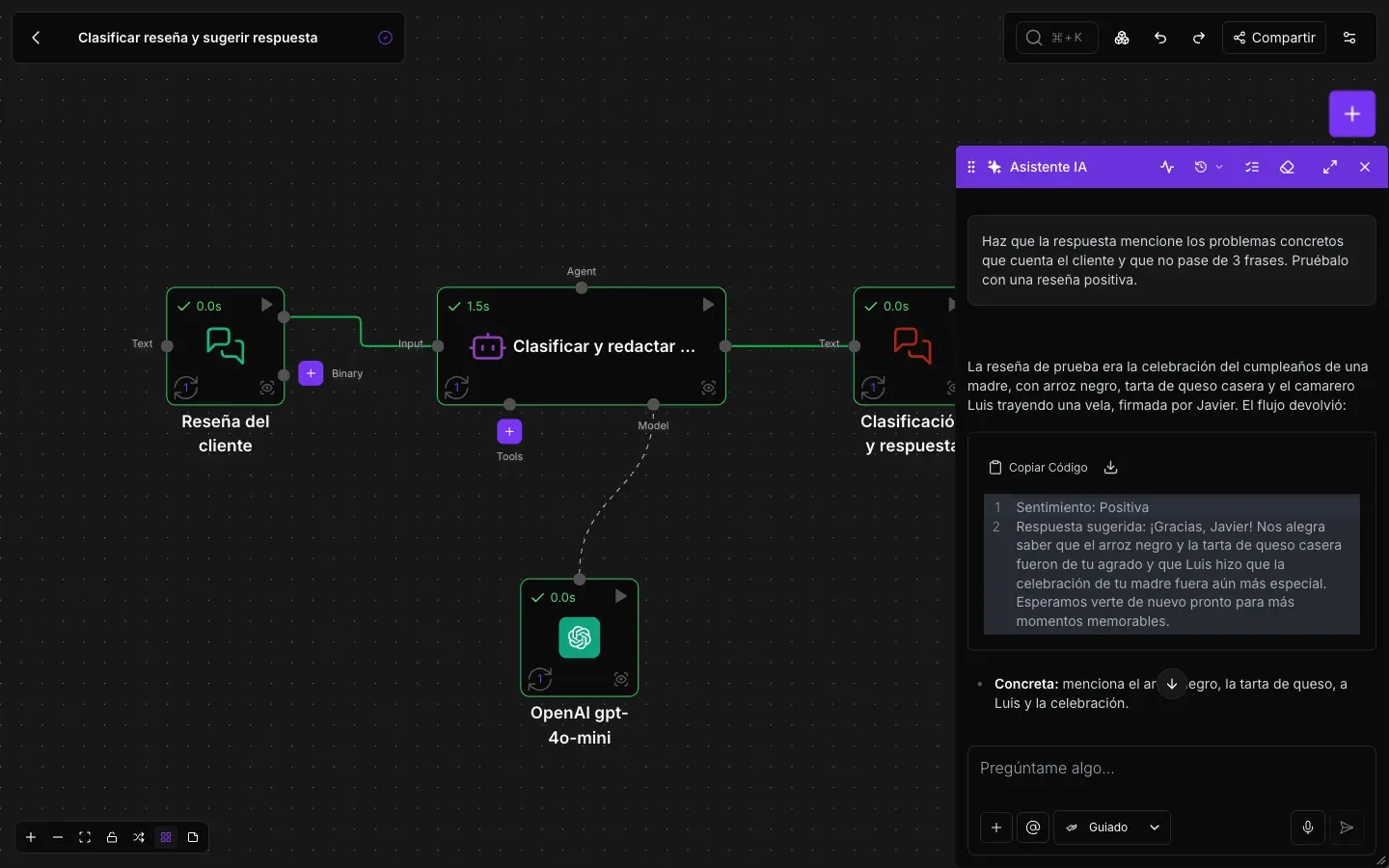
A voice agent listens, thinks with the model you choose, uses your flow's tools and answers out loud. Talk to it while you build it and publish it on your channels when it is ready.
Answers the calls to your phone number, through your carrier. Calls your customers: appointment reminders, order confirmations, surveys or notices. Hands the call to another voice agent with all the context, or to a person: warm, briefing them on the case first, or cold. Natural conversation: it can be interrupted, tells the caller apart from background voices and uses your flow's tools mid-call. Dozens of voices and languages, with cloud or local voice engines that don't depend on outside services. On your website with a widget and a talking avatar, drawn or realistic, with no code, or built into your own app. History of every call with the transcript, the tools used and optional recording. Choose each agent's face, voice and language
 Vega
Vega  Elena + and more
 What you need to build, run and govern your agents and automations, in a single platform.
Agents, models, components and your company's knowledge on one visual canvas, with no code.
Agents that reason, decide and act: they search the web, query databases, run code or call other flows, MCP servers and other agents over A2A. They keep track of every conversation.
Read the docs
OpenAI, Anthropic, Google Gemini, DeepSeek, Mistral, Groq, Amazon Bedrock, Azure OpenAI or local models with Ollama. Pick the right one for each task and switch without rebuilding the flow.
Read the docs
Inputs and outputs, prompts, data transformation, document reading and OCR, image generation and decision models. Every component has its own page in the documentation.
Read the docs Vector knowledge bases, databases and documents so your agents answer with your company's information. All of it in your storage, ready to browse, download or move.
Read the docs
Save your company's know-how once, such as the tone you use with customers or the steps to check an invoice, and connect it to every agent that needs it.
Read the docs
Run the flow right from the editor and see what each component received and returned before you publish it.
Read the docsPublish each flow wherever you need it and follow how it performs, run by run and conversation by conversation.

Call your flows from other applications with an API key, receive data through webhooks, embed the chat on your website or connect it to WhatsApp and Telegram.
Read the docs
The Scheduler runs your flows on their own: every Monday at 8:00, every weekday or just once on the date you choose.
Read the docs
Keep improving the draft while production runs the deployed version. Compare changes, restore an earlier version and publish when it is ready.
Read the docs
What each component received and returned, how long it took and how many tokens it used. Find the cause of a failure without guesswork.
Read the docs
Read every conversation your agents hold and define criteria that a model checks automatically, such as the tone of the answers or whether all the details were asked for.
Read the docs
Input, output and cached tokens per flow and per model, day by day. See which flows and models account for most of the usage.
Read the docsDecide who can do what, limit what can run and keep a reliable record of every change.

Invite your team with four roles: Admin, Builder, Operator and Viewer. Everyone sees and does only what their role allows.
Read the docs
Share a single flow with Can view, Can run or Can edit access, without exposing the rest of your account or your credentials.
Read the docs
Who created, changed, published or ran each thing, and who tried without permission. Each event is chained to the previous one, so any alteration is detected. Export to CSV and JSON.
Read the docs
Set a maximum run time, a runs-per-minute limit, blocked components and allowed models, per flow or for the whole account.
Read the docs
Store access to each service once and use test and production environments with secret variables whose value is never shown again.
Read the docs
Create a key for each website or integration, then regenerate or revoke it without affecting the rest. Only the right roles can see its secret.
Read the docsYour data, your models and your rules. NappAI adapts to your organisation's security and infrastructure requirements.

Per-person roles, per-flow access levels, secret variables that are never shown again and an activity log that detects any alteration.

AI experts advise you and help you design and roll out the flows and agents your business needs.

Deploy NappAI on your own servers or in your private cloud (VPC) and keep full control of your data.

NappAI runs your flows in the background as your business grows, and execution profiles let you set limits on run time, frequency, components and models.
Complete flows inspired by real use cases: open them, test them and adapt them to your business.
View templates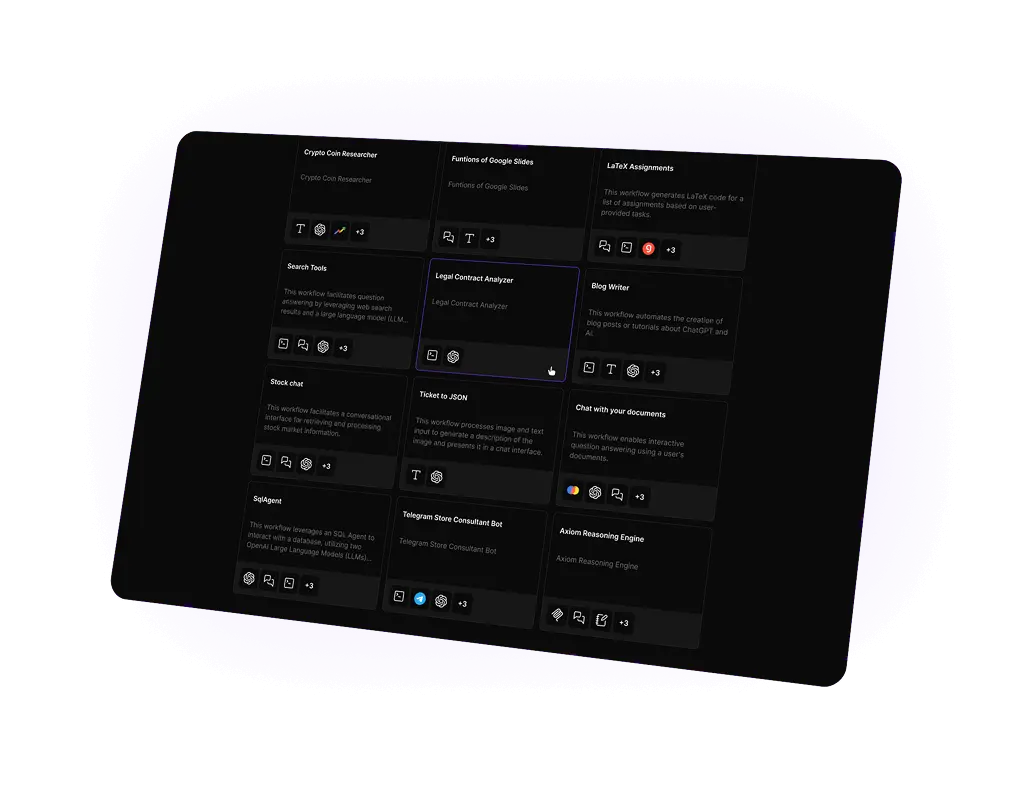
Flexible plans to automate your workflows.
Free
Sign up for our Free Plan and enjoy essential features.

500 runs per month
2 Projects
1 Seat
SSO (Single Sign-On)
20 € / month
Includes advanced tools & templates
2500 runs per month
5 Projects
2 Seats
Basic knowledge bases and data loaders
SSO (Single Sign-On)
50 € / month
Larger usage & projects
10000 runs per month
15 Projects
5 Seats
Advanced knowledge bases and data loaders
SSO (Single Sign-On)
Ask for more info
Customized solutions and expert guidance for large-scale AI deployments.
From 10000 of runs
Custom number of seats
All features and data loaders included
Dedicated infrastructure
Dedicated solutions engineers
On-prem deployment
Virtual Private Cloud deployment
Access control
SSO (Single Sign-On)
SOC 2, HIPAA & GDPR compliance
Export code

Learn how AI assistants can turn instructions into workflows, from building and configuring them to testing, fixing errors and preparing them for deployment.
<10/16/2026>

Learn how AI voice agents can manage inbound and outbound calls, hold natural conversations, use business tools and transfer cases to a human when needed.
<10/14/2026>

How to build an internal AI assistant that answers everyday team questions using the company's own documents and processes.
<10/08/2026>

24-hour Response Assurance