
Publish as an API, webhook or chat
Call your flows from other applications with an API key, receive data through webhooks, embed the chat on your website or connect it to WhatsApp and Telegram.
Read the docs
Build conversational assistants that know your documents and data, remember the context and go live on your website, WhatsApp, Telegram, Microsoft Teams or your own application.
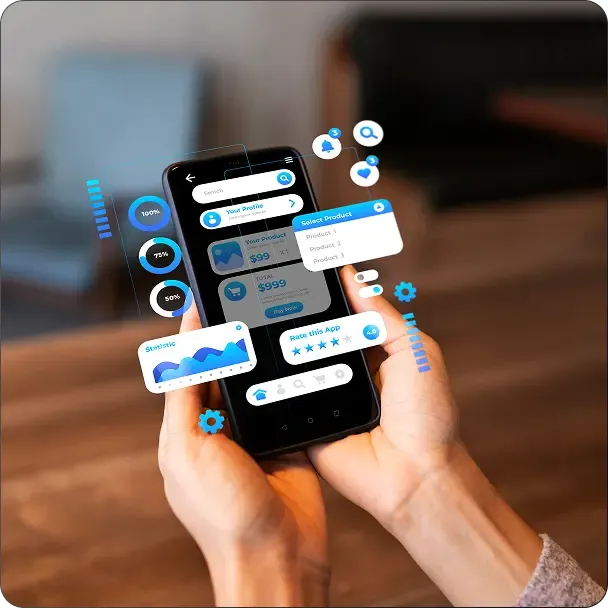

Scripted bots are no longer enough
Rule-based bots only answer what was anticipated and get stuck as soon as the question changes slightly.
A NappAI chatbot is an AI agent: it understands the question, finds the answer in your information, uses tools when needed and keeps the conversation going with memory.
Chatbots you can build with NappAI
For customers, for your team or for querying your data, with no code.


Chat with your documents
The chatbot answers with the content of your manuals, policies or contracts stored in a knowledge base.
View the template
Assistant with memory
It remembers what was said in the conversation to keep track of multi-step requests, such as a booking or a follow-up.
View the template 
Questions to your database
Ask about sales or KPIs in plain language; the agent turns the question into SQL, runs it and answers with the results.
How a chatbot is built

You choose the model and write the agent's instructions.
You connect your knowledge and the tools it can use.

You test it in the playground until it answers the way you want.
You publish it on your website, in messaging apps or through the API, and review every conversation.
The NappAI capabilities behind this solution
Call your flows from other applications with an API key, receive data through webhooks, embed the chat on your website or connect it to WhatsApp and Telegram.
Read the docs Vector knowledge bases, databases and documents so your agents answer with your company's information. All of it in your storage, ready to browse, download or move.
Read the docs Read every conversation your agents hold and define criteria that a model checks automatically, such as the tone of the answers or whether all the details were asked for.
Read the docs
Start from templates inspired by real use cases and adapt them to your process.
What an AI chatbot brings

Accurate answers from your information
Available at any hour
Conversations with context
Publishing across multiple channels
Quality measured with evaluations
No code
Frequently asked questions
Which channels can I publish it on?

On your website with the embedded chat, on WhatsApp, Telegram, Microsoft Teams or Discord, or in your application through the API.
Can I change it without affecting users?
Yes. You improve the draft while users keep using the deployed version, and you publish the new one when it's ready.
How do I keep it from making up answers?
Connect your information in a knowledge base, tell it in its instructions to answer only from that information, and review conversations with automatic evaluations.
How long does it take to get it ready?
A simple chatbot can be built and tested in a single working session, starting from a template. With the AI Assistant, you just describe it.

24-hour Response Assurance